Welcome! We’re excited that you’ve chosen to participate in Dual Enrollment through Palatine Hall / Christian Halls International in partnership with Southeastern University (SEU).
Below is the full-form version of the Onboarding Process versus the abbreviated version Overview found above in the MENU above by clicking directly on the term “Onboarding overview/steps” or Onboarding Overview/Steps
As part of the onboarding process, there are a few important steps to complete. This page includes an overview. For full instructions, please refer to the LINK in the middle of the page titled:
II. “Dual-Credit Enrollment Student” Checklist:
I.  Overview of LINKED Checklist/Onboarding Steps in STEP II.
In STEP III, you can find a Visual Guide. Be sure to Read through STEP II before utilizing STEP III.
MyHalls
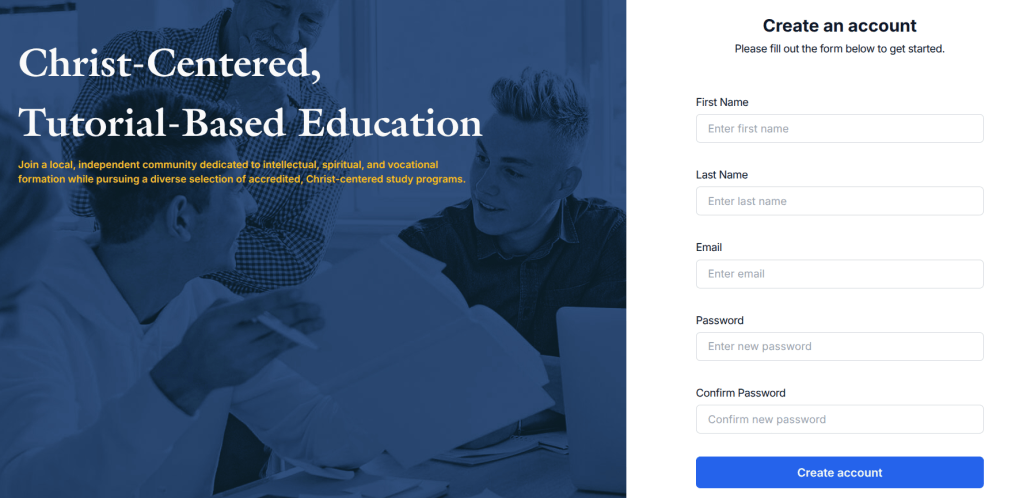
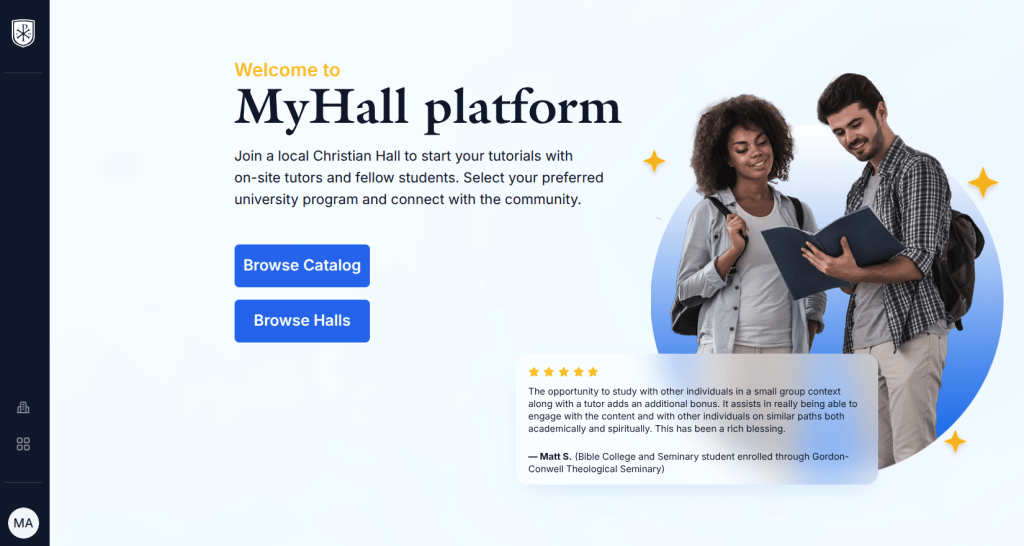
- Join MyHalls
- Join your Tutorial
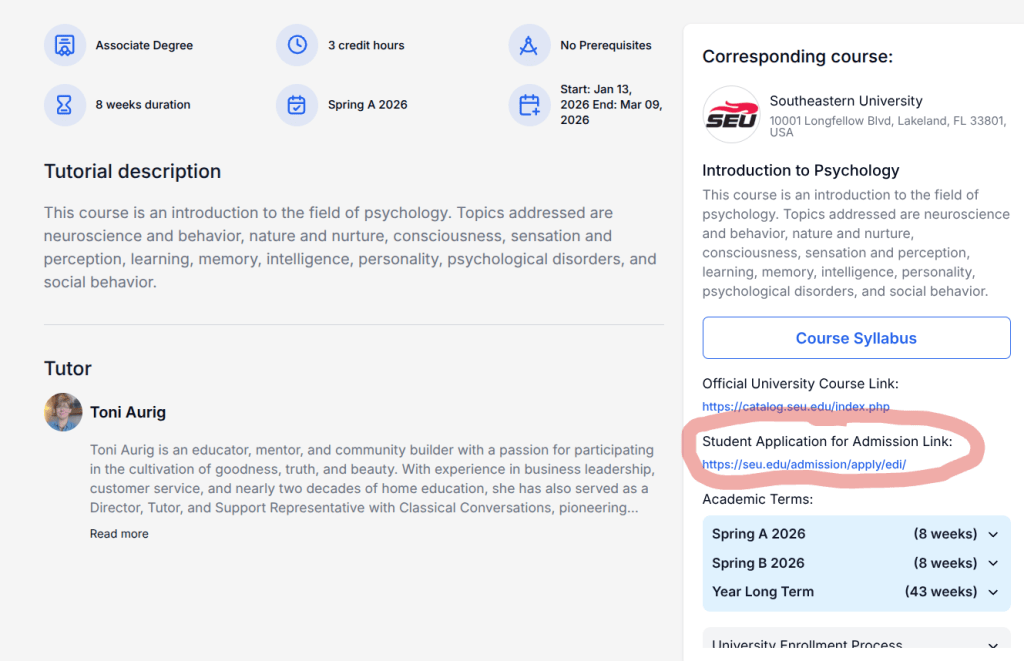
- Locate the SEU Application link
SEU Application & Registration
- Complete SEU’s online application (linked within MyHalls)
- Watch for a confirmation email within 24–48 hours of submitting, Note: confirmation emails occasionally go to Spam.
- Register for Courses through HALL Director.
- After receiving confirmation, set up your SEU account
- Begin checking your SEU email immediately and regularly
 Important Reminders
- Students: Communicate with your Director about which courses you plan to take.
- Parents: Please ensure your student informs the Director of their course selections.
- Students: For every course enrolled in, you must complete a Student Acknowledgement & Attendance Confirmation Survey.
 Failure to complete this survey within the designated time-frame will result in being dropped from the course.
 Helpful Resources (Included through the LINK at the bottom of this PAGE)
The Resource Page contains 4 key links:
- SEU Orientation Packet
- Account Activation Instructions
- Login Portal
- Attendance Confirmation Survey
 Please note: All account information must be completed using the student’s information, not the parent’s.
Your questions are always welcome — they help us grow this groundbreaking and locally flourishing opportunity together. Thank you for your partnership!
Knowing that fall is approaching, I look forward to assisting you soon in your Onboarding Process.
II. SEE & READ LINK BELOW
“Dual-Credit Enrollment Student” Checklist:
III. VISUAL STEPS
Visual Steps to Onboarding Process
 What This Onboarding Step Includes:
- Join MyHall, Browse for/Select Palatine Hall
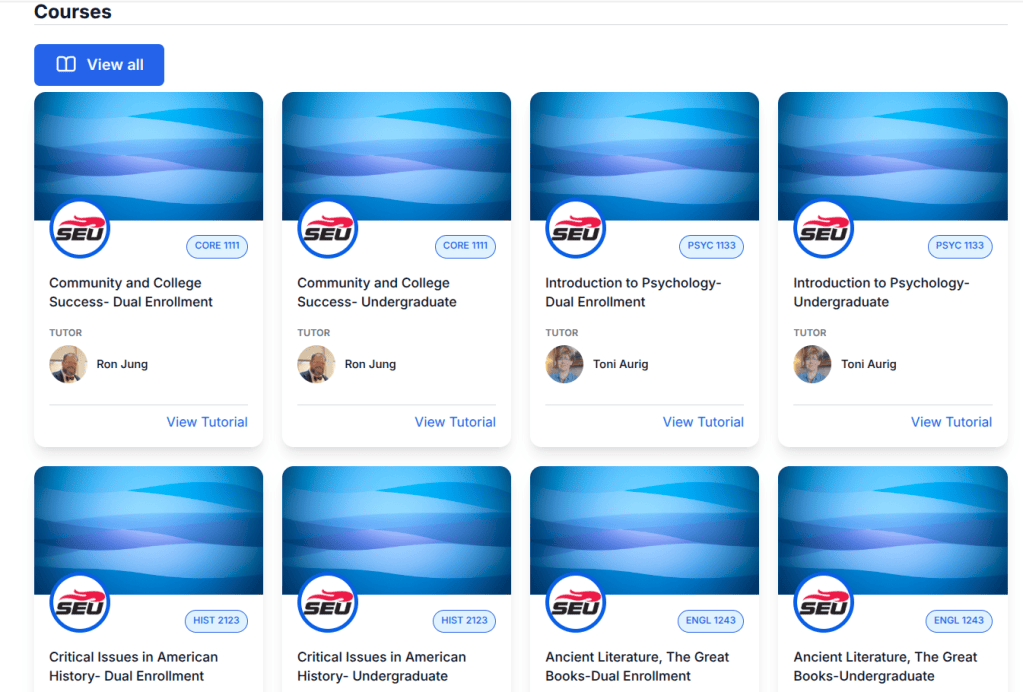
- Choose a Tutorial on MyHall platform
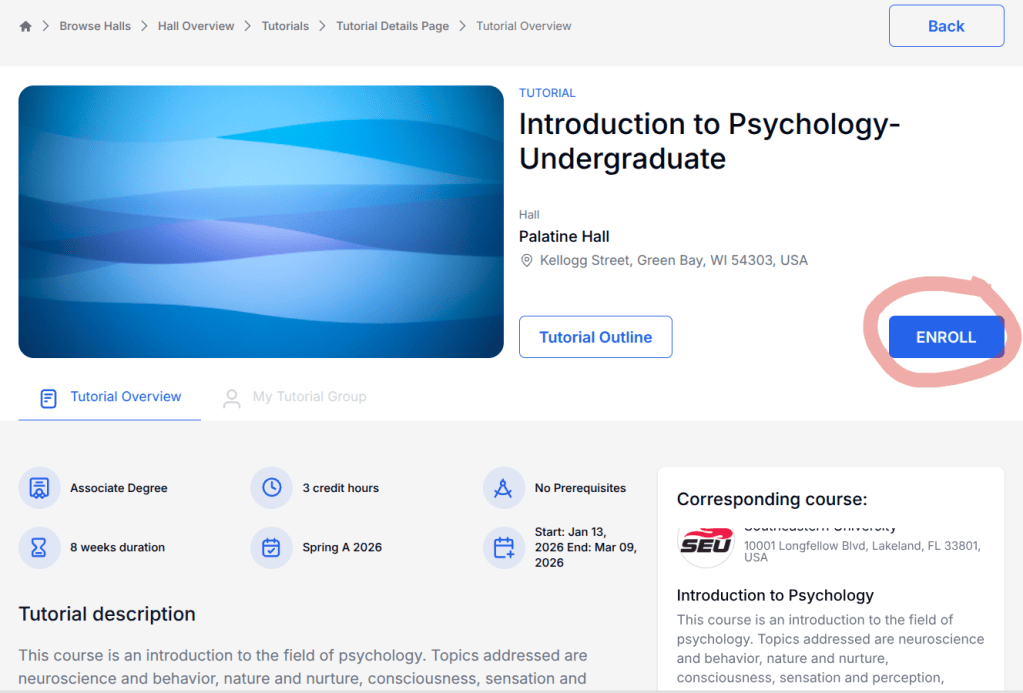
- Enroll in a Tutorial on MyHall platform
- Apply to Southeastern University THROUGH MyHall platform
- Register for Courses with Palatine Hall Director
- Watch for Welcome Letter from SEU checking spam.
- Activate Student Account on SEU Platform.
- Log in to SEU Platform/JICS-Student Portal
- Ensure Courses are Loaded on SEU Platform
- Ensure Invoice is Posted & Prepare to Pay on SEU Platform
- Complete acknowledgment and attendance confirmation survey for each course by the allotted time through SEU Platform.
- Note, the failure to Complete survey and Process payments will lead to Courses being dropped.